
How to upgrade firmware?Updated 13 days ago
Step 1:Ensure the device is idle and connected to Wi-Fi (the screen should be on the main menu).

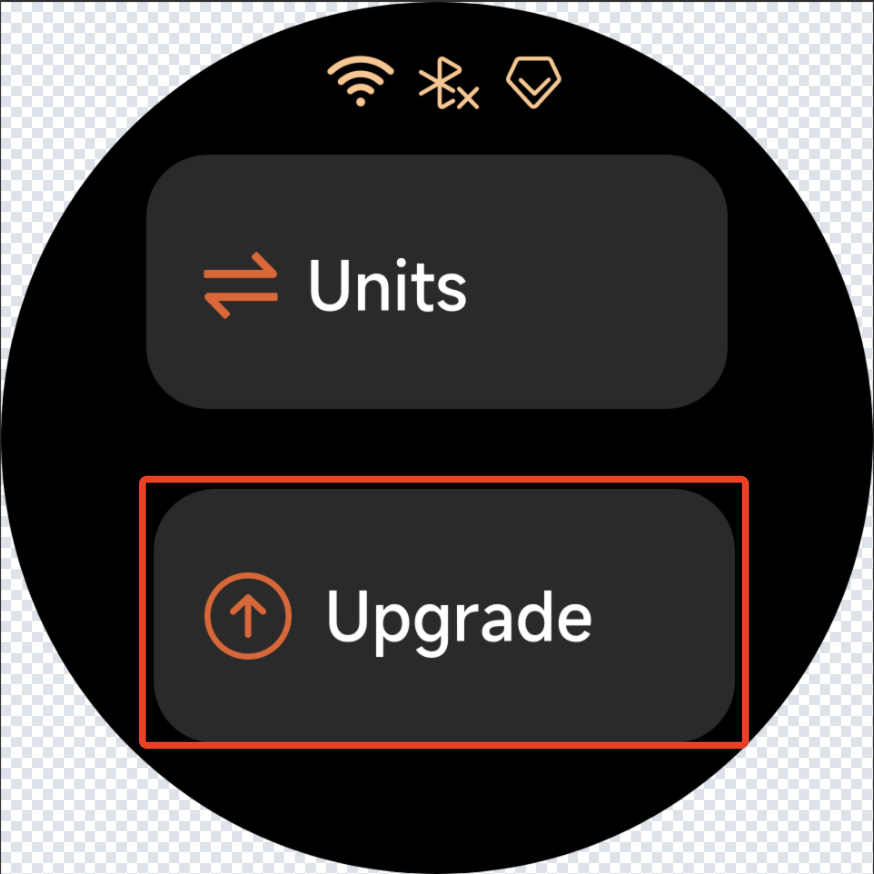
Step 2:Tap "Settings → Upgrade"on the screen to check for available firmware updates.
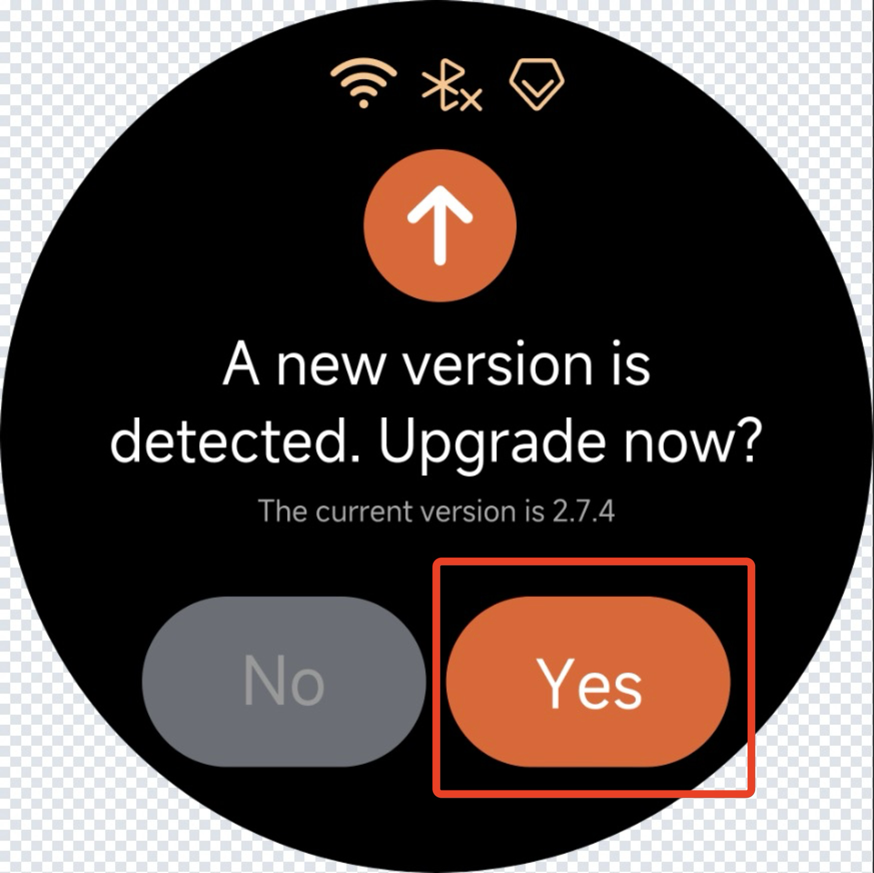
Step 3:If a new version is available, tap "Yes"to start the upgrade.
Step 4:The firmware upgrade will take a few minutes. Once completed, please restart the device.

Video Reference: